Genogram Report Generator
Turn Your Genogram into a Structured Report
Review family data, surface evidence gaps, and generate a consistent report with the diagram, profiles, relationships, observations, and symbol legend. Export a fixed-layout PDF or an editable DOCX.
 Generate from the source genogram
Keep the diagram and written report connected instead of copying case details between separate tools.

 Review evidence before export
Check people, relationships, health profiles, coverage, and suggested follow-up questions in one workspace.
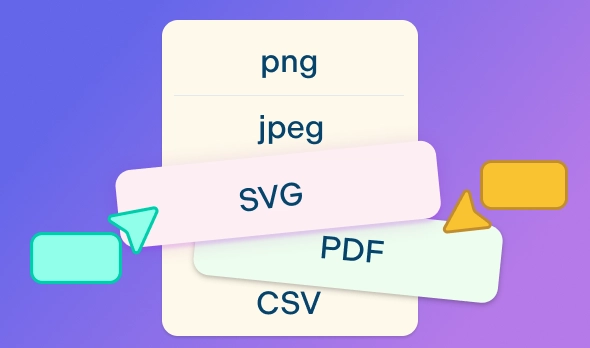
 Choose DOCX or PDF
Continue editing in DOCX or preserve a consistent layout for review and filing with PDF.







 Diagramming Visual Collaboration Org Chart


What You Can Create with the Genogram Report Generator
A Report Grounded in the Source Genogram
Keep the family structure, standard symbols, names, unions, and relationship types visible alongside the written report.
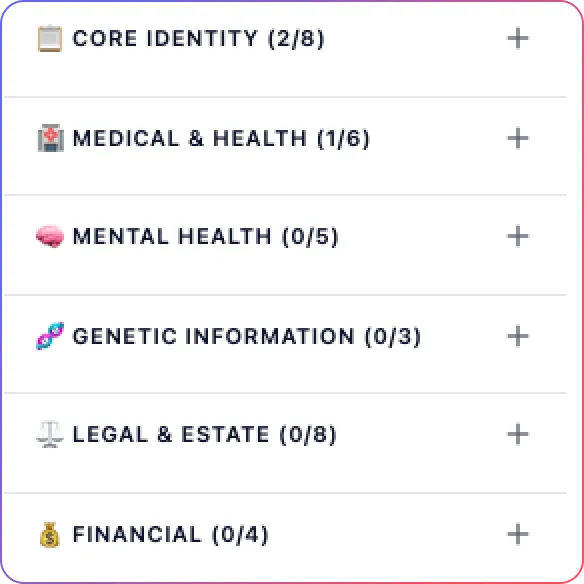
Organized People and Profile Data
Bring the relevant details recorded for each person into a readable report structure without rebuilding profiles by hand.
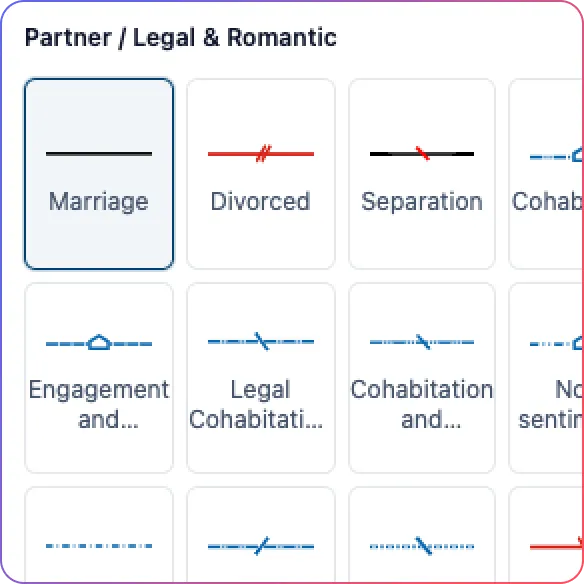
Clear Relationship Summaries
Summarize family and emotional relationships while retaining the notation and context represented on the canvas.
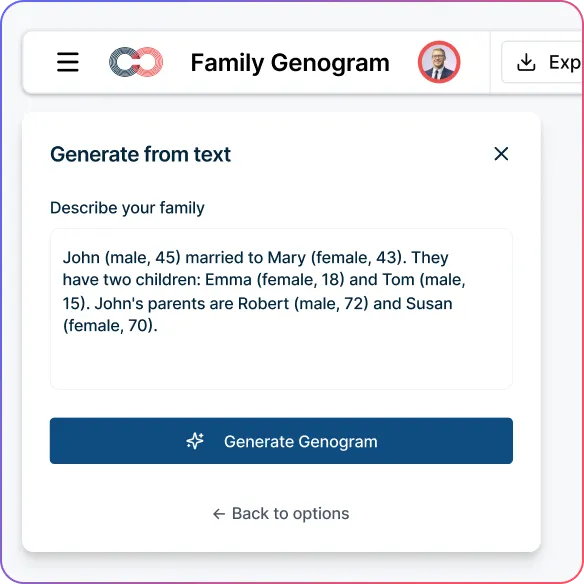
AI-Assisted Observations
Draft evidence-bounded observations, identify information gaps, and generate follow-up questions for professional review.
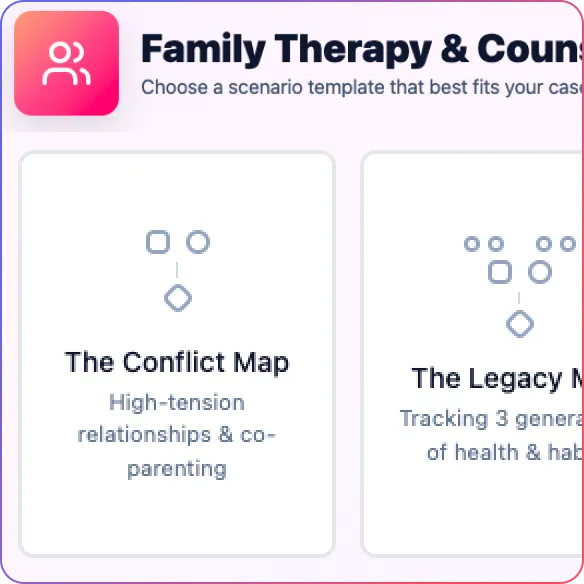
A Consistent Report Outline
Use repeatable sections for the family overview, profiles, relationships, observations, limitations, and symbol legend.
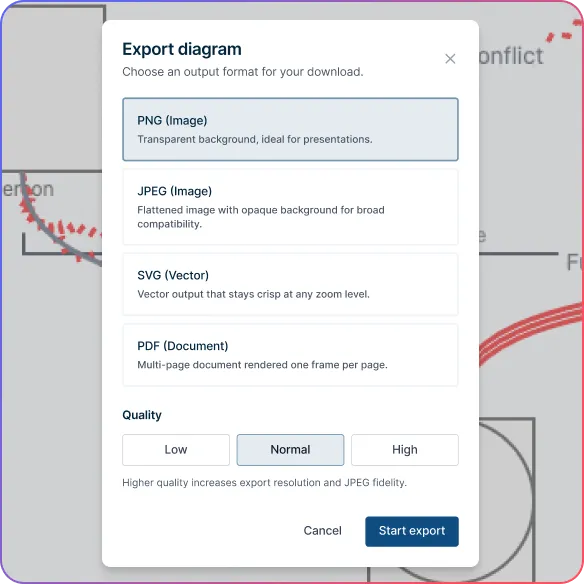
Editable DOCX and Fixed-Layout PDF
Continue editing in Word-compatible DOCX or preserve the reviewed layout in a PDF for filing and read-only sharing.
Build the Source Genogram and Add Case Details
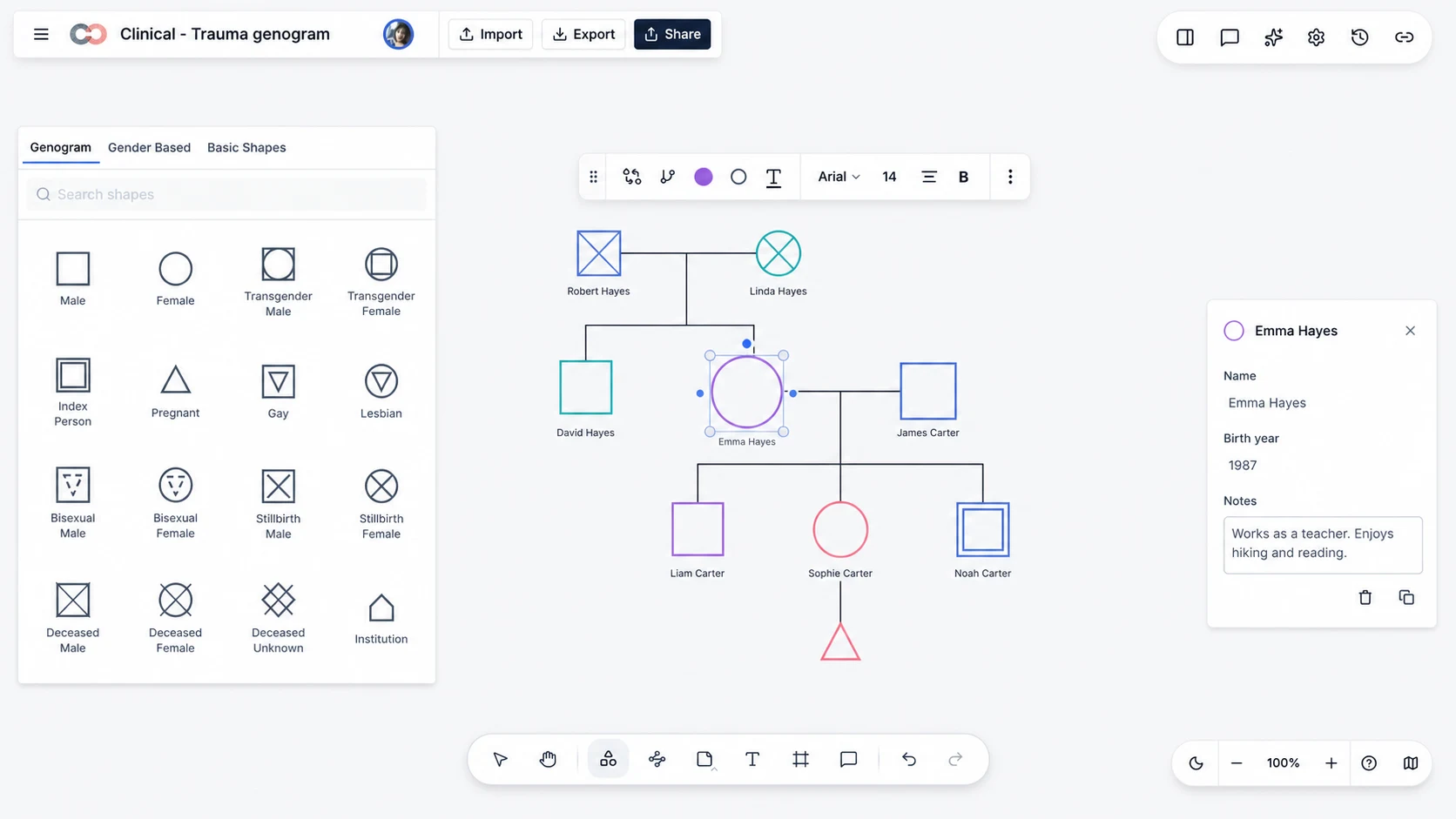
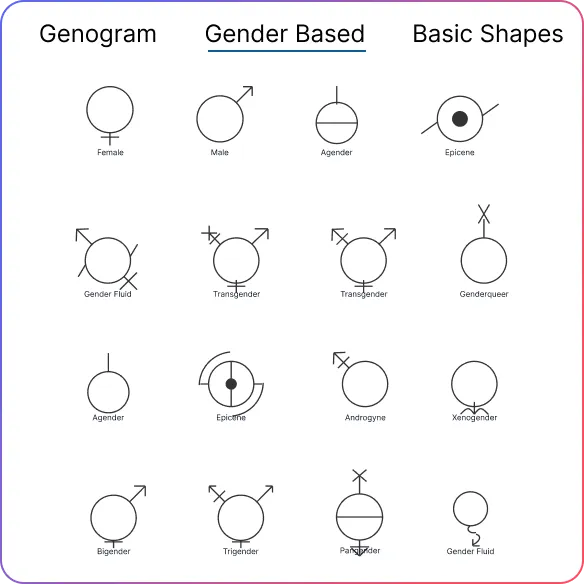
Add people with standardized genogram symbols for sex, gender identity, pregnancy, deceased family members, and other represented statuses.
Connect partners, parents, children, and siblings with the relationship types needed to represent the family accurately.
Open a person’s details to record names, dates, notes, and the professional fields relevant to the report.
Keep the report source current by editing the genogram whenever family information changes.
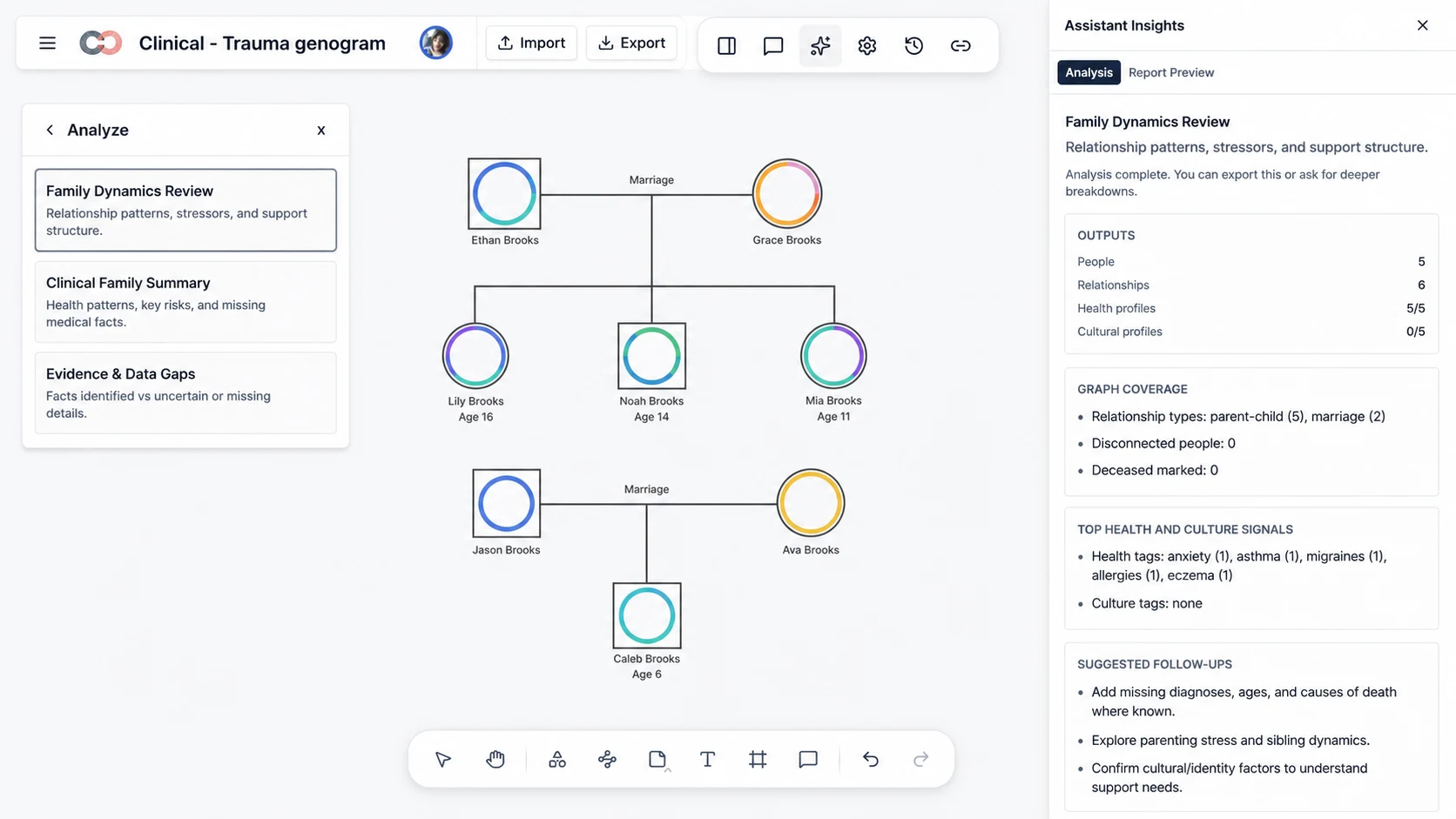
Surface Evidence Gaps with Assistant Insights
Choose Family Dynamics Review, Clinical Family Summary, or Evidence & Data Gaps according to the purpose of the report.
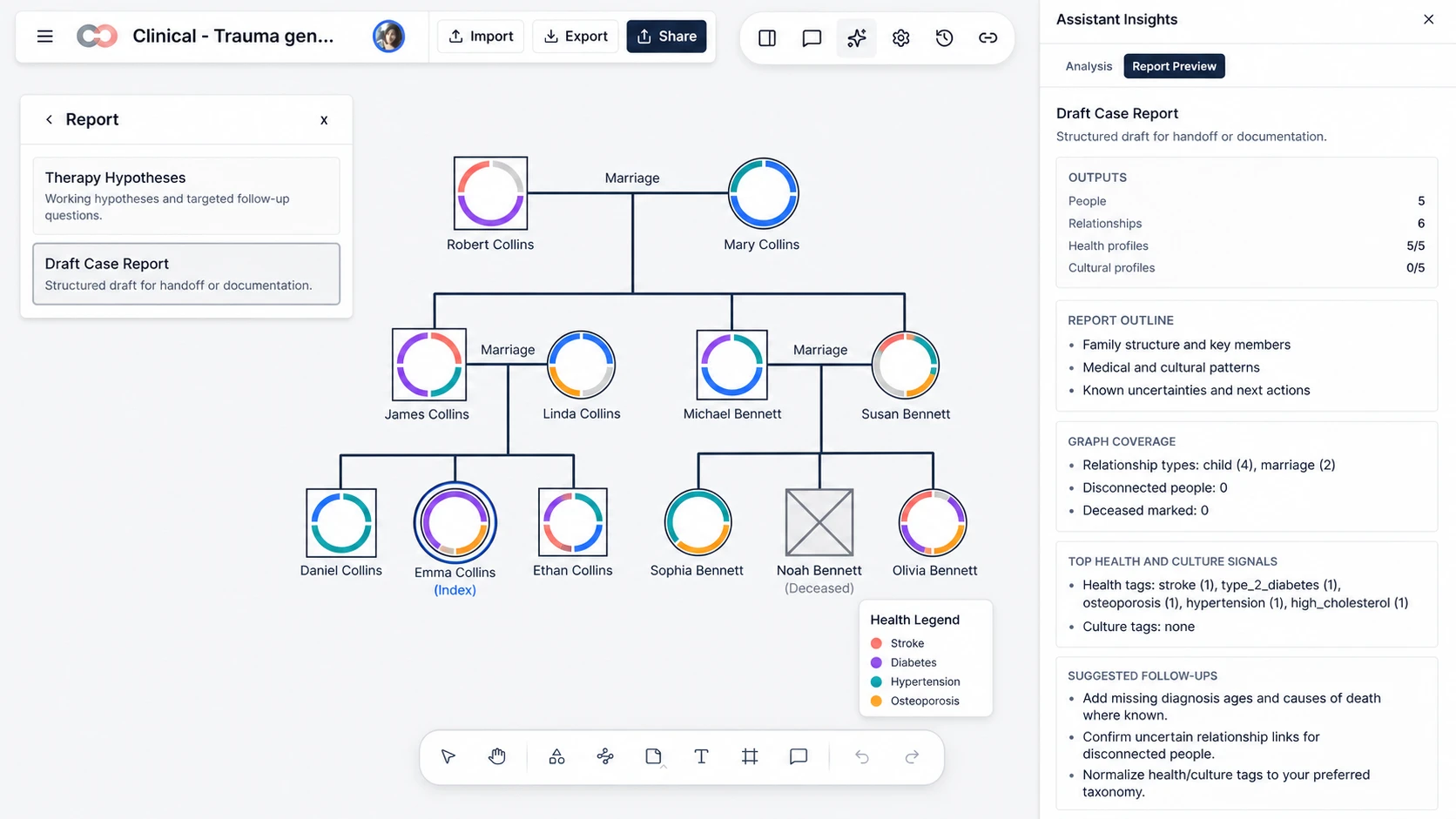
See graph coverage at a glance, including people, relationship types, completed profiles, and disconnected family members.
Surface recorded health or culture signals and distinguish documented facts from information that is uncertain or missing.
Use suggested follow-up questions to guide the next interview, record check, or professional review without treating the analysis as a diagnosis.
Generate a Structured Draft Case Report
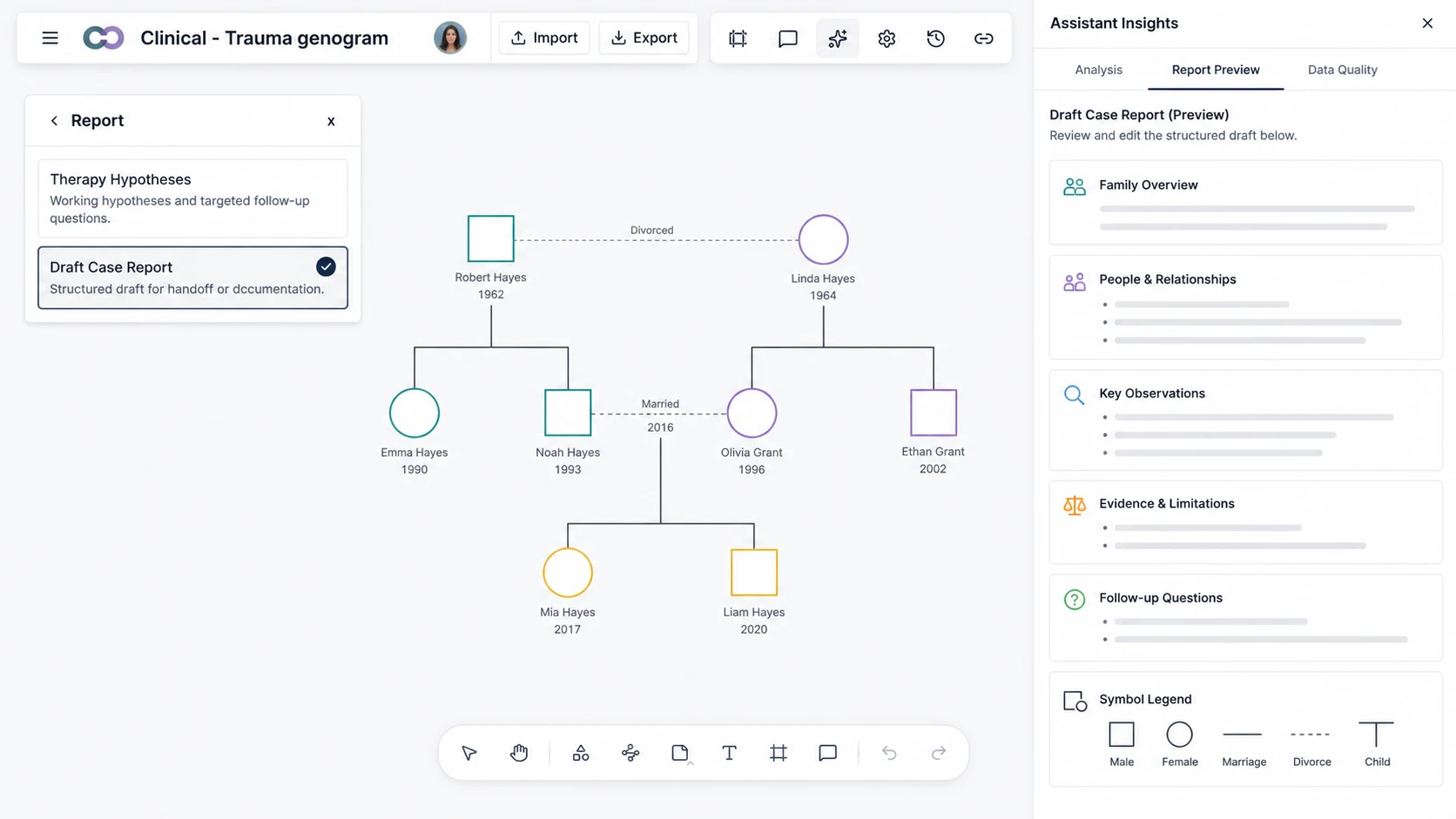
Select Draft Case Report to turn the available genogram data into a consistent report outline.
Organize the draft into a family overview, people and relationships, key observations, evidence and limitations, and follow-up questions.
Include the source diagram and a symbol legend so readers can interpret the written sections against the visual notation.
Use Report Preview to inspect the complete structure and refine the wording for the intended professional context.
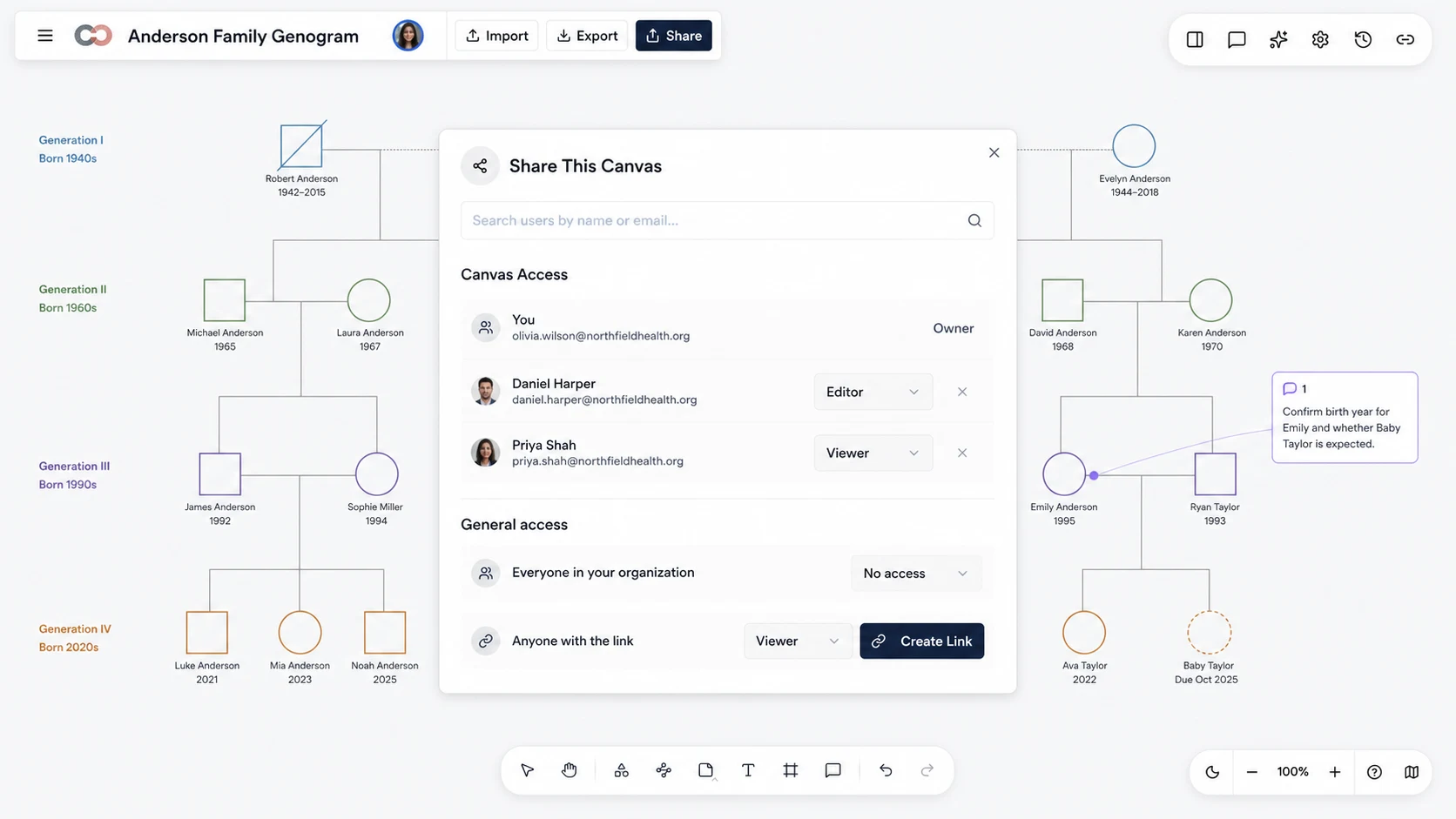
Review the Report with Supervisors and Teams
Invite a supervisor or colleague by name or email without creating a separate copy of the genogram.
Assign Viewer access for read-only review or Editor access when a collaborator needs to update the canvas.
Add comments to the relevant person or relationship so questions remain attached to their visual context.
Create a view-only link when a reviewer needs access without edit permissions.
Export the Format That Fits the Next Step
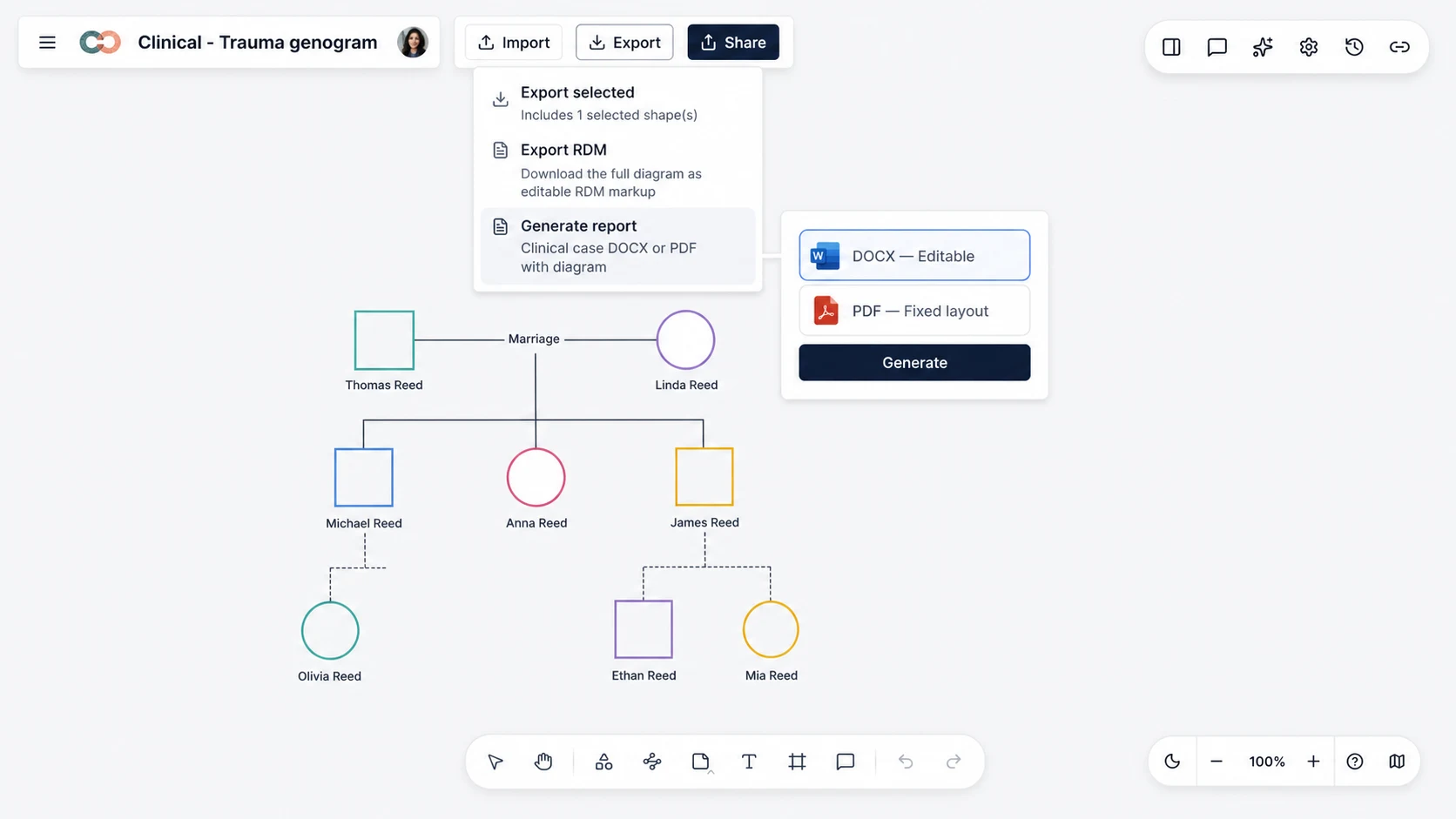
Open Export and select Generate report to create a document from the current genogram and report draft.
Choose DOCX for an editable file that can be revised, annotated, or adapted to an organization’s document format.
Choose PDF when the report needs a fixed layout for read-only sharing, record attachment, or filing.
Generate a new export after the source genogram changes so the document reflects the latest diagram and recorded information.
How to Generate a Genogram Report with Creately
1. Build or Open the Source Genogram
Start from a genogram template or open an existing workspace. Add the people, unions, parent-child relationships, emotional dynamics, and relevant professional fields that should inform the report.
2. Check Structure and Evidence Coverage
Review disconnected people, uncertain relationships, missing names, incomplete profiles, and unsupported assumptions. Record what is unknown rather than filling gaps with inference.
3. Run the Relevant Analysis
Open Assistant Insights and select the analysis that fits the purpose of the report. Review family dynamics, graph coverage, health or culture signals, evidence gaps, and suggested follow-up questions.
4. Generate and Edit the Draft
Select the draft case report option and compare the proposed report sections with the source genogram. Correct inaccuracies, qualify uncertain observations, and add necessary professional context.
5. Export and Complete the Final Review
Open the Export menu and choose Generate report. Select DOCX for continued editing or PDF for a fixed layout, then complete a final accuracy, confidentiality, and audience review.
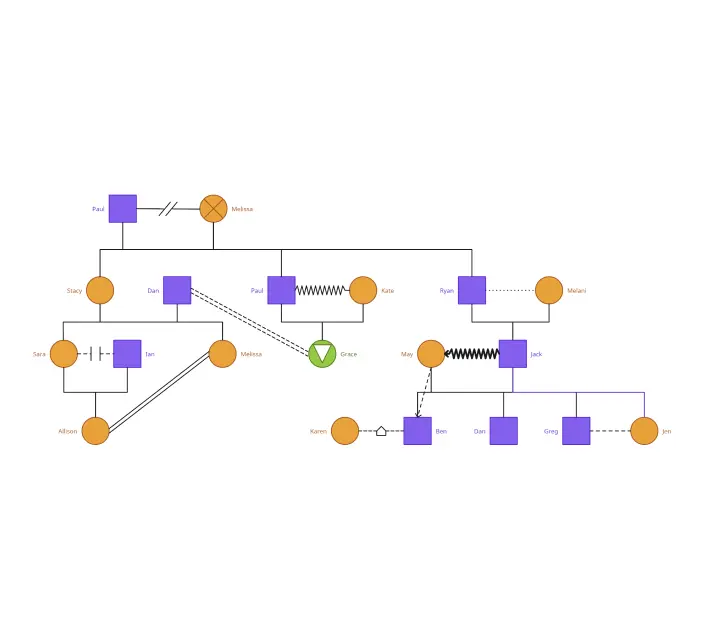
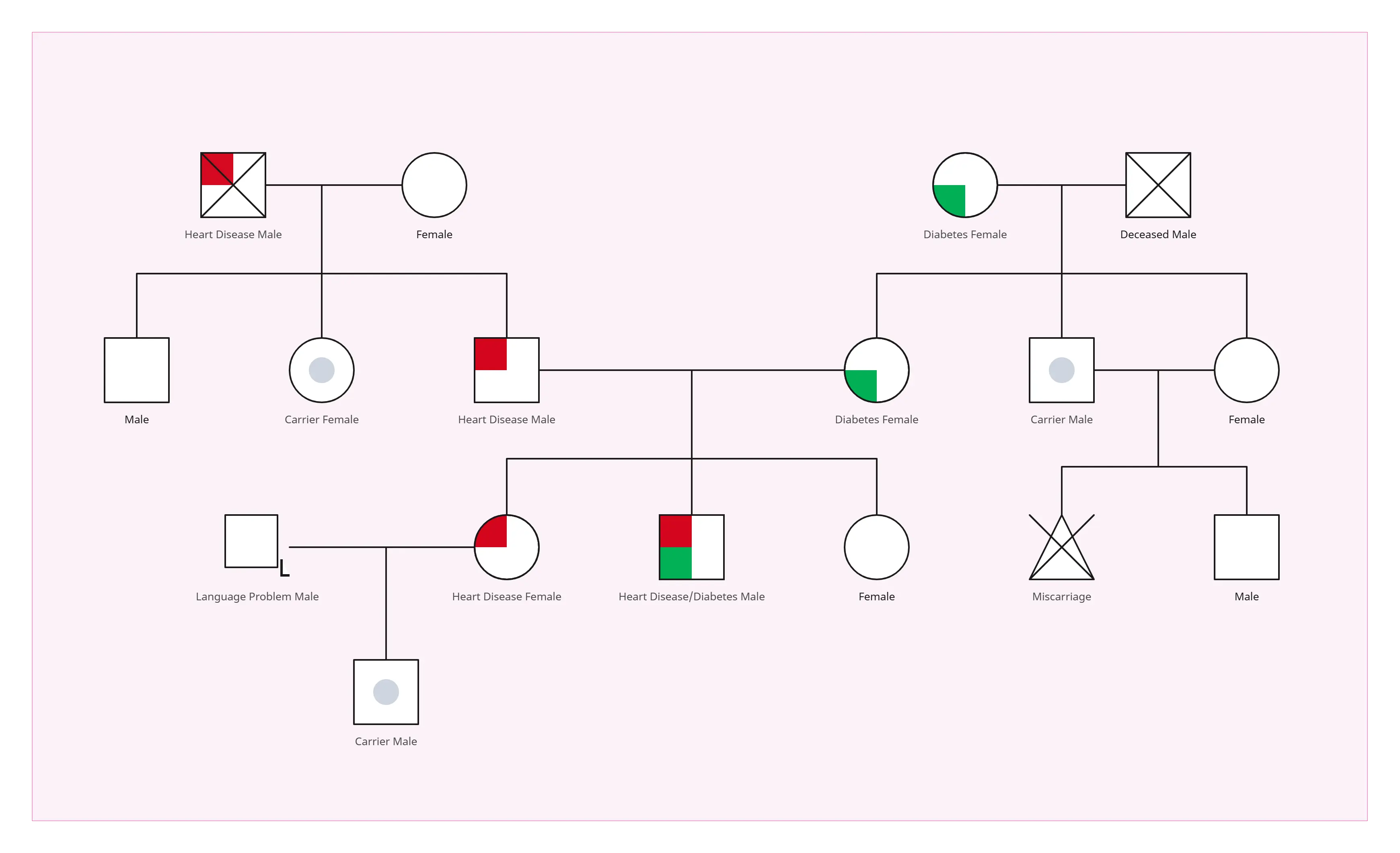
Generate a Genogram ReportStart with an Editable Genogram Template
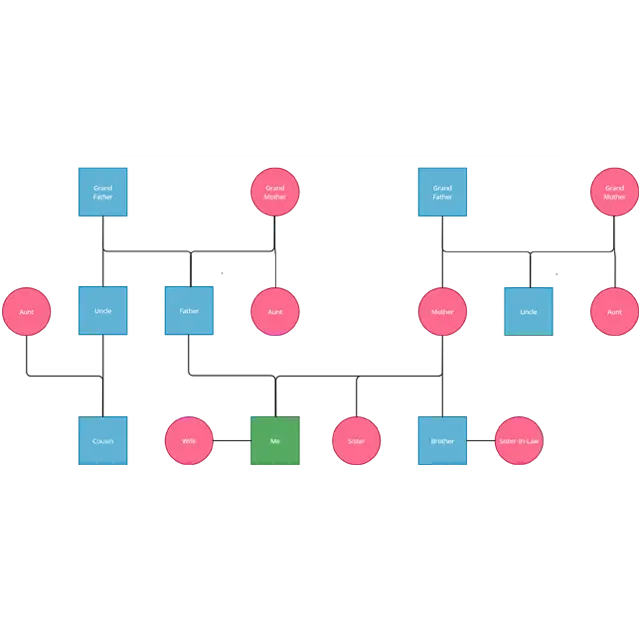
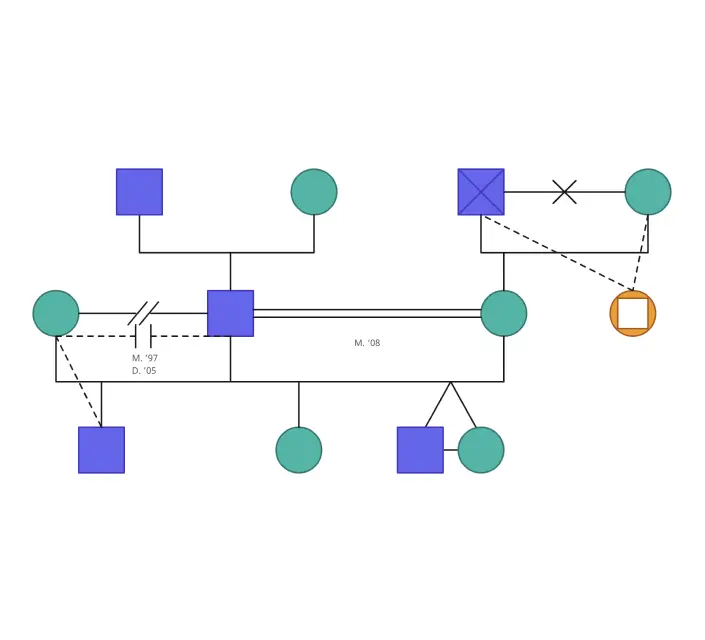
Genogram Reporting Use Cases
Therapy and Counseling
Prepare a structured draft for supervision or documentation while keeping family structure, relationship dynamics, observations, and evidence limitations connected.
Social Work and Case Review
Summarize biological, adoptive, foster, and step relationships alongside recorded support structures, risks, uncertainties, and follow-up needs.
Medical and Genetic History Review
Attach the genogram to a record and summarize the health information documented across generations without presenting the output as a diagnosis or risk calculation.
Education and Supervision
Use a consistent report outline to discuss notation, evidence quality, alternative interpretations, and missing information with students or supervisees.
Research Documentation
Maintain a repeatable description of the represented sample, relationships, recorded attributes, limitations, and diagram notation for reviewed research workflows.
Genogram Report Generator FAQs
What is a genogram report generator?
What can a Creately genogram report include?
Can I export a genogram report as DOCX or PDF?
Does the genogram report generator make a diagnosis?
Can I share a genogram report with a supervisor or team?
How do I improve the quality of a generated genogram report?